
contact info
- 3rd Floor, Gujranwala Business Center, Near KFC, G.T. Road, Gujranwala, Pakistan
- +92 303 0813333
- +92 303 0644484
- info@hashlearning.com
- info@hashlearning.com
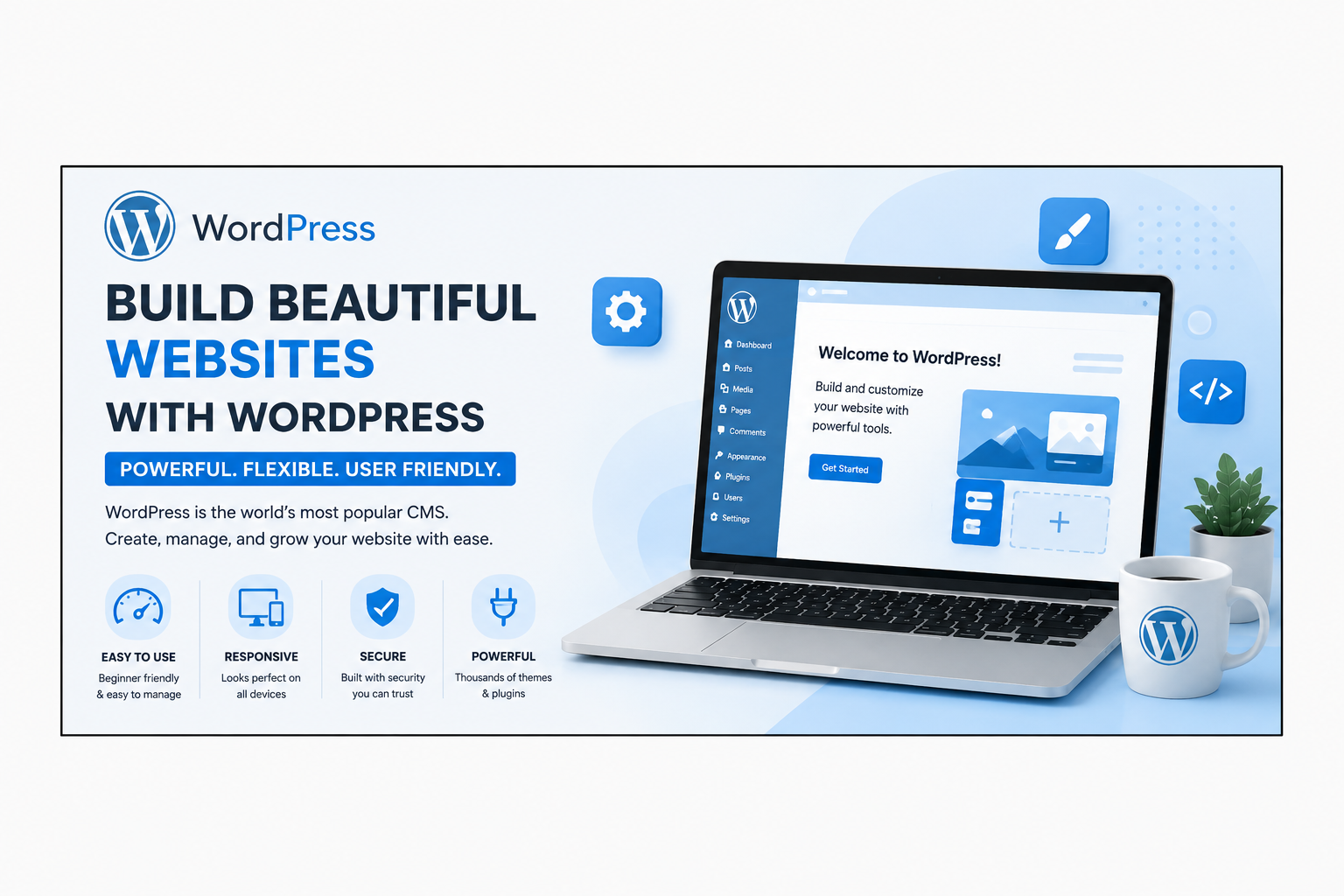
WordPress Website Development is one of the most popular ways to create professional websites without starting from scratch. Whether you want to build a personal blog, business website, portfolio, online store, or educational platform, WordPress Website Development provides all the tools you need to create a fast, secure, and SEO-friendly website.
Powering more than 40% of websites worldwide, WordPress has become the leading Content Management System (CMS). Its flexibility, ease of use, and extensive customization options make it the preferred choice for beginners, freelancers, agencies, and large businesses alike.
WordPress Website Development is the process of creating and managing websites using the WordPress CMS. It allows users to build websites without advanced programming knowledge while also giving developers complete control through custom coding, themes, and plugins.
WordPress supports every type of website, including:
There are many reasons why WordPress Website Development remains the top choice for website owners.
WordPress has a user-friendly dashboard that makes it simple to create pages, publish blog posts, upload images, and manage your website.
WordPress is built with clean code and works perfectly with SEO plugins like Rank Math and Yoast SEO. It allows you to optimize titles, meta descriptions, URLs, image alt text, and schema markup for better search engine rankings.
Choose from thousands of free and premium WordPress themes to create a professional-looking website without designing everything from scratch.
Plugins extend your website’s functionality. Popular plugins help with:
One of the biggest advantages of WordPress Website Development is flexibility. Whether you’re a beginner creating your first website or a developer building a custom solution, WordPress adapts to your needs.
Additional benefits include:
To build a professional website, consider installing these essential plugins:
| Tool / Plugin | Primary Category | Practical Application & Business Value |
| Elementor Pro | Visual Page Builder | Custom layout engineering, dynamic content insertion, and responsive design control. |
| Rank Math SEO Pro | Search Engine Optimization | Schema generation, automated meta tags, rank tracking, and internal link suggestions. |
| WooCommerce | eCommerce Engine | Enterprise shopping carts, payment processing, tax integration, and order management. |
| LiteSpeed Cache / WP Rocket | Performance & Speed | Advanced page caching, CSS/JS minification, database optimization, and CDN delivery. |
| Wordfence Security | Cyber Security & Protection | Endpoint firewall, malware scanning, real-time threat defense, and login security. |
| UpdraftPlus | Backup & Migration | Full site backup creation, single-click restoration, and seamless server migrations. |
| Tutor LMS / LearnDash | Learning Management System | Online course management, student quiz portals, and video drip content delivery. |
No. Modern WordPress web development relies primarily on low-code architectural tools, visual page builders, and deep plugin ecosystems that eliminate the need for manual coding. However, as you advance, learning basic CSS for styling tweaks and basic HTML for structure will give you extra fine-grained design control over your projects.
With consistent, hands-on practice (1.5 to 2 hours daily), you can master the core concepts, build a portfolio of 3 to 4 sample websites, and start taking on freelance client projects within 4 to 6 weeks.
WordPress remains the dominant, undisputed global leader among content management systems. Proprietary web builders (like Wix, Squarespace, or Webflow) charge recurring monthly lock-in fees and offer limited database control. WordPress remains open-source, infinitely customizable, scalable, and completely owned by you.
You can monetize your skills through several high-demand channels:
Blogging & Affiliate Marketing: Build high-traffic niche sites monetized through display ads (AdSense/Ezoic) and affiliate marketing programs.
All you need is a basic desktop or laptop computer with at least 4GB to 8GB of RAM, a standard internet connection, and a web browser. You can build and test unlimited sites for free on your local machine using tools like LocalWP before purchasing a domain or hosting plan.
Mastering WordPress Web Development is one of the most efficient, cost-effective, and high-impact investments you can make in your digital skill portfolio. It bypasses years of theoretical software engineering barriers while equipping you with the exact tools needed to solve real-world business problems in the global digital economy.
By following this step-by-step curriculum, committing to building hands-on portfolio projects, and learning how to optimize for site speed, SEO, and security, you will position yourself for lucrative freelancing gigs, remote career opportunities, or scalable business ownership. Take action today, start building your first site locally, and turn your technical potential into a sustainable income engine.

You must be logged in to post a comment.
