

contact info
- 3rd Floor, Gujranwala Business Center, Near KFC, G.T. Road, Gujranwala, Pakistan
- +92 303 0813333
- +92 303 0644484
- info@hashlearning.com
- info@hashlearning.com
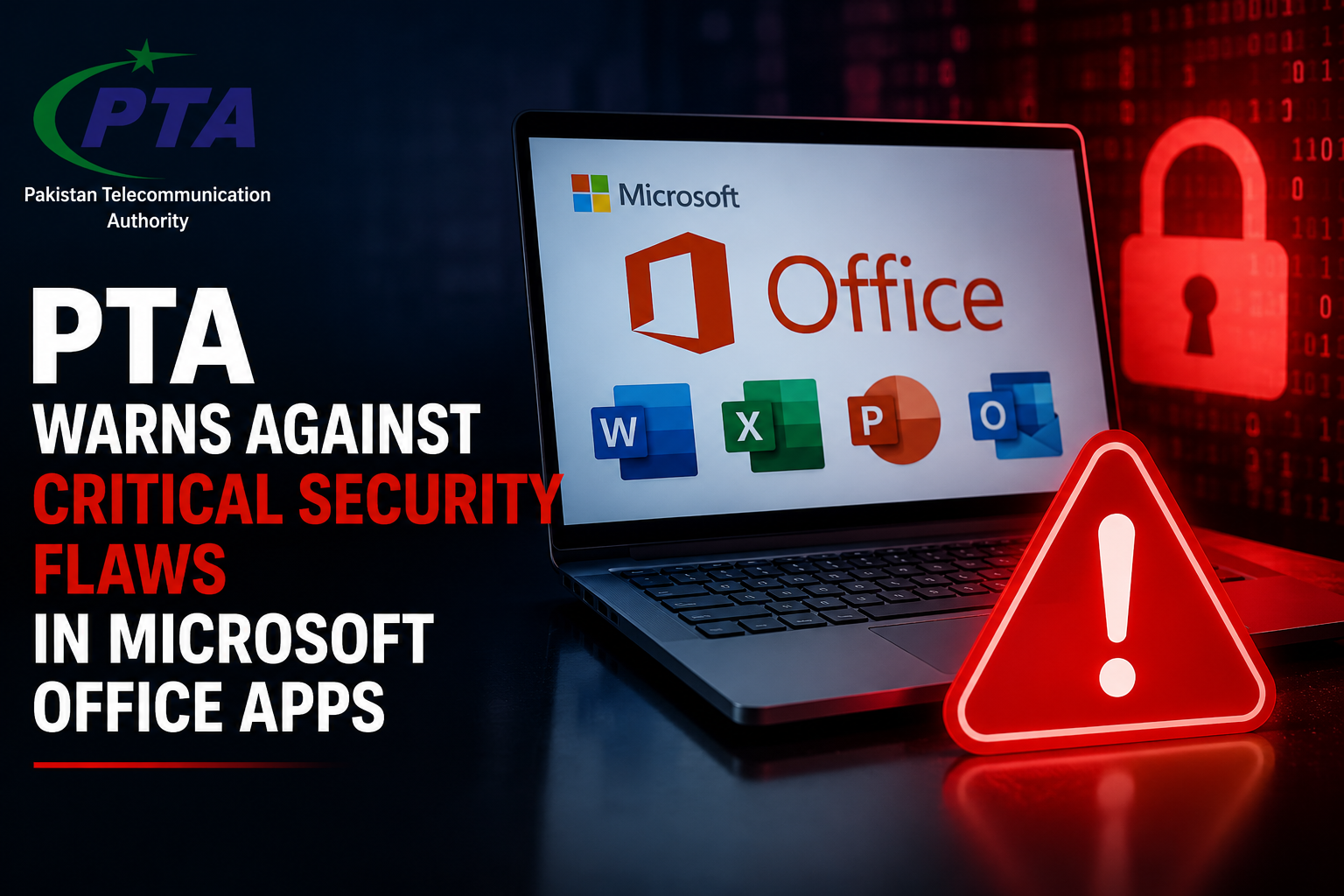
The Pakistan Telecommunication Authority (PTA) has released a critical cybersecurity advisory regarding newly discovered vulnerabilities in Microsoft Office applications. These flaws could allow cybercriminals to gain access to personal or organizational systems, execute malicious code, and steal sensitive data.
Given the widespread use of Microsoft Office products such as Word, Excel, PowerPoint, and Outlook, this warning affects millions of users across Pakistan and around the world. Whether you’re an individual user or part of an organization, it’s essential to understand the risks and take immediate action Microsoft office security flaws.
The PTA’s alert highlights several critical vulnerabilities in Microsoft Office products that have the potential to:
Allow attackers to remotely execute code on targeted systems
Install malware or ransomware
Steal confidential information
Gain unauthorized access to user accounts and system controls
The vulnerabilities are considered “critical” by global cybersecurity experts, meaning they are severe, easy to exploit, and pose significant threats if left unaddressed.
These vulnerabilities can be exploited through malicious Office documents, typically shared via email or downloaded from untrusted sources. The primary techniques used by attackers include:
Remote Code Execution (RCE): Hackers embed malicious code in Office files that executes when the file is opened.
Macro-Based Attacks: Cybercriminals hide dangerous scripts in macros, which run silently if enabled.
Privilege Escalation: Once inside the system, attackers can gain elevated privileges and full control of the device.
Victims may unknowingly compromise their systems simply by opening a file that appears legitimate Microsoft office security flaws.
The vulnerabilities affect several versions of Microsoft Office, including:
Microsoft Office 2013
Microsoft Office 2016
Microsoft Office 2019
Microsoft Office LTSC 2021
Microsoft 365 (formerly Office 365)
Even users who keep their systems updated are at risk if macros are enabled or suspicious files are opened.
If exploited, these vulnerabilities could lead to:
Data Theft: Exposure of passwords, financial data, business documents, and personal files
Ransomware Attacks: Locking of systems with ransom demands for restoration
Email Hijacking: Access to your Outlook emails and contacts
System Takeover: Full control of your device by unauthorized users
Such breaches can result in financial loss, reputational damage, and long-term disruption, particularly for businesses and government institutions Microsoft office security flaws.
To mitigate the risks, PTA recommends the following actions:
Regularly check for and install Microsoft Office updates.
Steps:
Open any Office app → Go to File > Account > Update Options > Update Now
Macros are a common source of malware infections. Disable them unless absolutely necessary.
Steps:
File > Options > Trust Center > Trust Center Settings > Macro Settings > Disable all macros without notification
Install reputable antivirus software and enable your firewall to detect and block threats.
Do not open email attachments or files from unknown or unverified sources — especially those with extensions like .docm, .xlsm, or .pptm.
Raise awareness among employees, colleagues, or family members about phishing attacks and malicious documents.
The PTA has taken a proactive stance in alerting the public about growing cybersecurity threats. Its recent advisory is part of a broader effort to promote digital safety and protect national infrastructure.
This initiative aligns with Pakistan’s National Cyber Security Policy, emphasizing public awareness, resilience, and responsible digital practices.
Final Thoughts: Take Action Now
The critical vulnerabilities in Microsoft Office applications are not just theoretical — they pose real and immediate risks. The PTA’s advisory is a wake-up call for every user to prioritize cybersecurity and implement protective measures.
Don’t wait until it’s too late. Secure your systems, update your software, and educate others around you.
Cyber threats evolve daily — but so can our defenses Microsoft office security flaws.
If you found this article helpful, share it with your network. By spreading awareness, we help build a safer digital environment for
The Pakistan Telecommunication Authority (PTA) has warned users about serious security vulnerabilities affecting Microsoft Office applications. The alert highlights the growing cybersecurity risks associated with outdated Office software and urges individuals and organizations to keep their Microsoft applications updated.
Microsoft Office is widely used for everyday tasks such as creating documents, managing spreadsheets, preparing presentations, and handling business communication. Because of its widespread use, security vulnerabilities in Office applications can potentially expose a large number of users to cyberattacks Microsoft office security flaws.
The PTA’s cybersecurity advisories have highlighted vulnerabilities in Microsoft products that could allow attackers to compromise affected systems. Depending on the vulnerability, successful exploitation may enable attackers to execute malicious code, bypass security protections, gain unauthorized access, or compromise sensitive information.
Previous PTA warnings have specifically involved vulnerabilities affecting products and components such as Microsoft Excel, Visio, and SharePoint. Some of these flaws could be exploited through specially crafted files or requests.
The warning is particularly important for organizations that use Microsoft Office across multiple computers because a single compromised device can potentially create additional security risks within a networkMicrosoft office security flaws.
Cybersecurity vulnerabilities in Office applications can become dangerous when attackers convince users to open malicious documents or interact with specially crafted content.
One notable example is CVE-2026-21509, a Microsoft Office security vulnerability that was reported as being actively exploited. The vulnerability could allow an attacker to bypass certain security protections when a user opens a malicious Office file. It was also added to the U.S. Cybersecurity and Infrastructure Security Agency’s Known Exploited Vulnerabilities catalog.
This demonstrates why users should not ignore Microsoft security updates, particularly when vulnerabilities are known to be exploited in real-world attacks.Microsoft office security flaws
Microsoft regularly releases security updates for several Office products and Microsoft 365 applications. Microsoft’s security release documentation covers products including:
Microsoft’s official security update documentation provides information about vulnerabilities addressed through Office security updates.
Users running older versions of Office should be especially careful because unsupported software may no longer receive regular security fixes. For example, Microsoft ended support for Office 2019 on October 14, 2025, although Microsoft may provide limited updates at its discretion.
PTA’s warnings highlight the importance of keeping software updated and following recommended cybersecurity practices. Users can take several simple steps to reduce their risk Microsoft office security flaws.
Users should regularly check for available Office and Microsoft 365 updates. Security patches are designed to fix known vulnerabilities and improve protection against emerging threats.
Do not open Word, Excel, PowerPoint, or other Office files received from unknown or suspicious sources. Attackers can use malicious documents as a method of delivering malware Microsoft office security flaws.
Cybercriminals frequently use phishing emails to trick users into opening malicious attachments. Before opening an Office document, verify the sender and consider whether the message is legitimate Microsoft office security flaws.
Office applications operate within the wider Windows security environment. Keeping Windows and other installed software updated can provide an additional layer of protection Microsoft office security flaws.
A reputable antivirus and endpoint security solution can help detect malicious files and suspicious activity. Organizations should also use additional security controls where appropriate Microsoft office security flaws.
The risk is even greater for businesses, educational institutions, and government organizations that store large amounts of sensitive information.
A compromised Office document could potentially become the starting point for a larger cybersecurity incident. Depending on the attack, criminals may attempt to steal confidential documents, compromise accounts, deploy malware, or move further into an organization’s network.
For this reason, IT administrators should maintain an updated inventory of Office installations and ensure that security patches are deployed across company devices.
The PTA’s warnings serve as an important reminder that cybersecurity threats are not limited to specialized software or online services. Applications used every day, including Microsoft Word and Excel, can also become targets when security vulnerabilities are discovered.
Microsoft continues to release security fixes for supported Office products, making regular updates one of the simplest ways users can reduce their exposure to known vulnerabilities Microsoft office security flaws.
The PTA’s warning about Microsoft Office security vulnerabilities highlights the importance of keeping software updated and exercising caution when handling files from unknown sources.
Users should install the latest available security updates, avoid suspicious attachments, keep Windows and security software updated, and remain alert to phishing attempts. Businesses and organizations should take additional steps to ensure that all Office installations across their networks are properly patched Microsoft office security flaws.
With cyberattacks becoming increasingly sophisticated, regular software updates and safe browsing habits remain essential for protecting personal and organizational data Microsoft office security flaws Visit Hashlearning for Better Experience .
everyone.

You must be logged in to post a comment.
